How to build GDAL from source for Visual C++ in Visual Studio 2015
The goal of the project:
Download, compile and add GDAL library for Visual C++ project in Visual Studio IDE.
What is a GDAL?

GDAL is a translator library for raster and vector geospatial data formats that is released under an X/MIT style Open Source license by the Open Source Geospatial Foundation. As a library, it presents a single raster abstract data model and single vector abstract data model to the calling application for all supported formats. It also comes with a variety of useful command line utilities for data translation and processing. The NEWS page describes the June 2018 GDAL/OGR 2.3.1 release.
Source: http://www.gdal.org
Step 1:
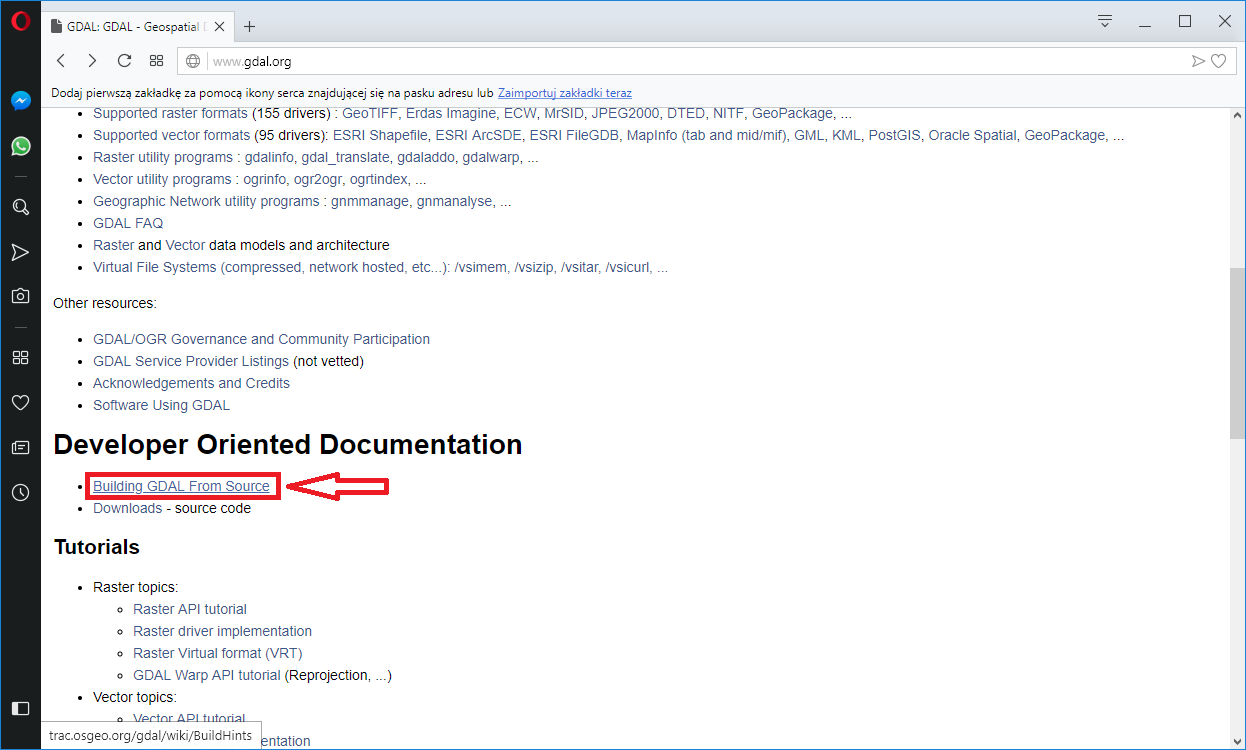
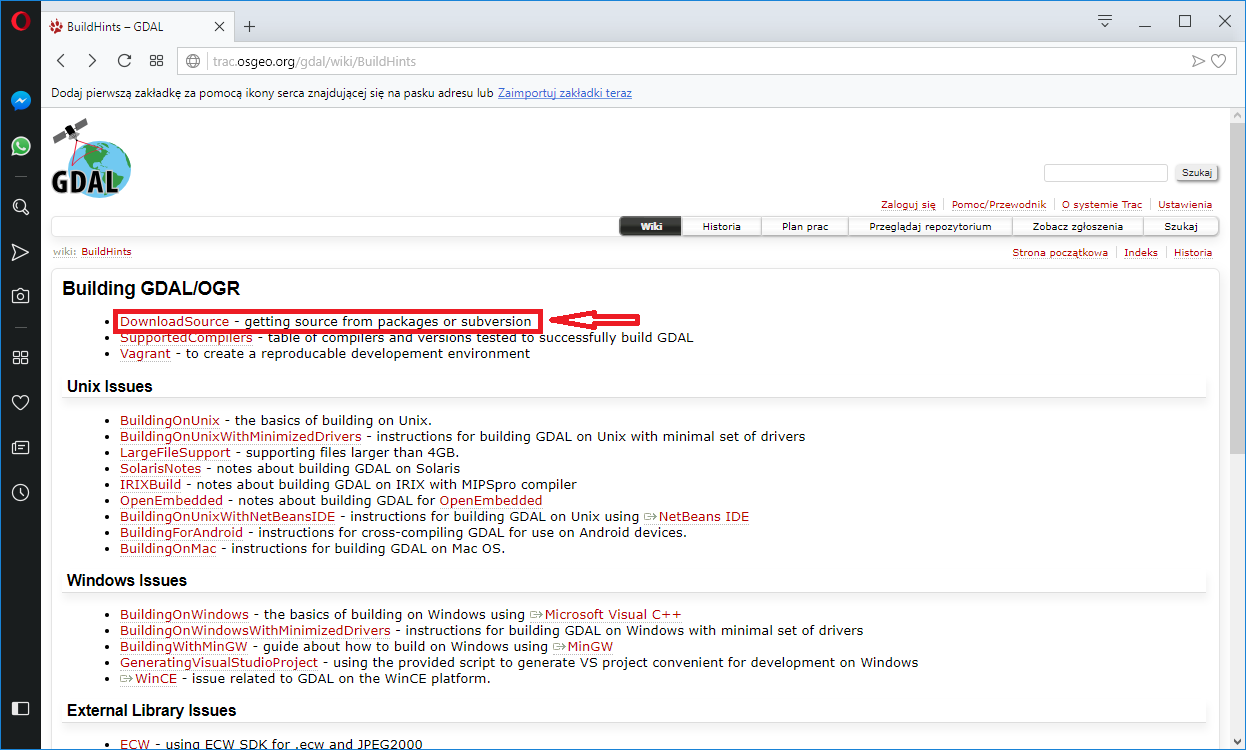
Visit in GDAL website (http://www.gdal.org) and go to section
„Developer Oriented Documentation” after that enter „Building GDAL From Source”.
Link: http://trac.osgeo.org/gdal/wiki/BuildHints
Step 2:
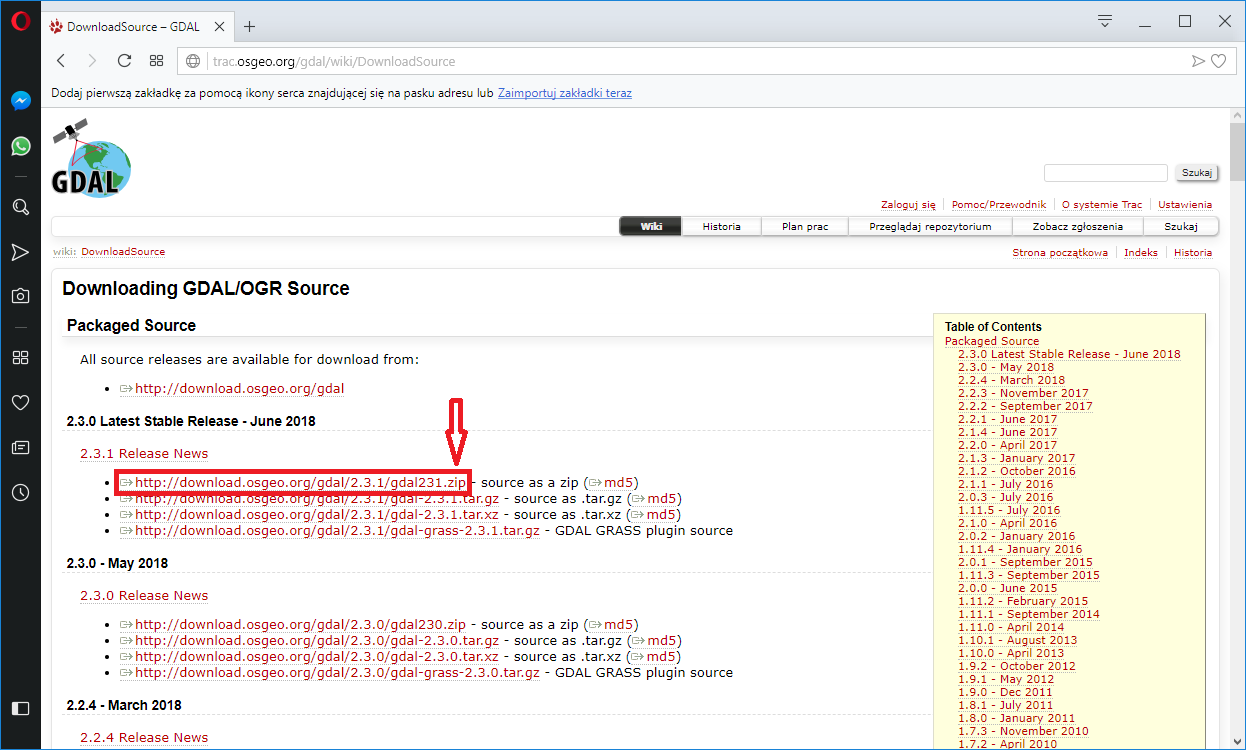
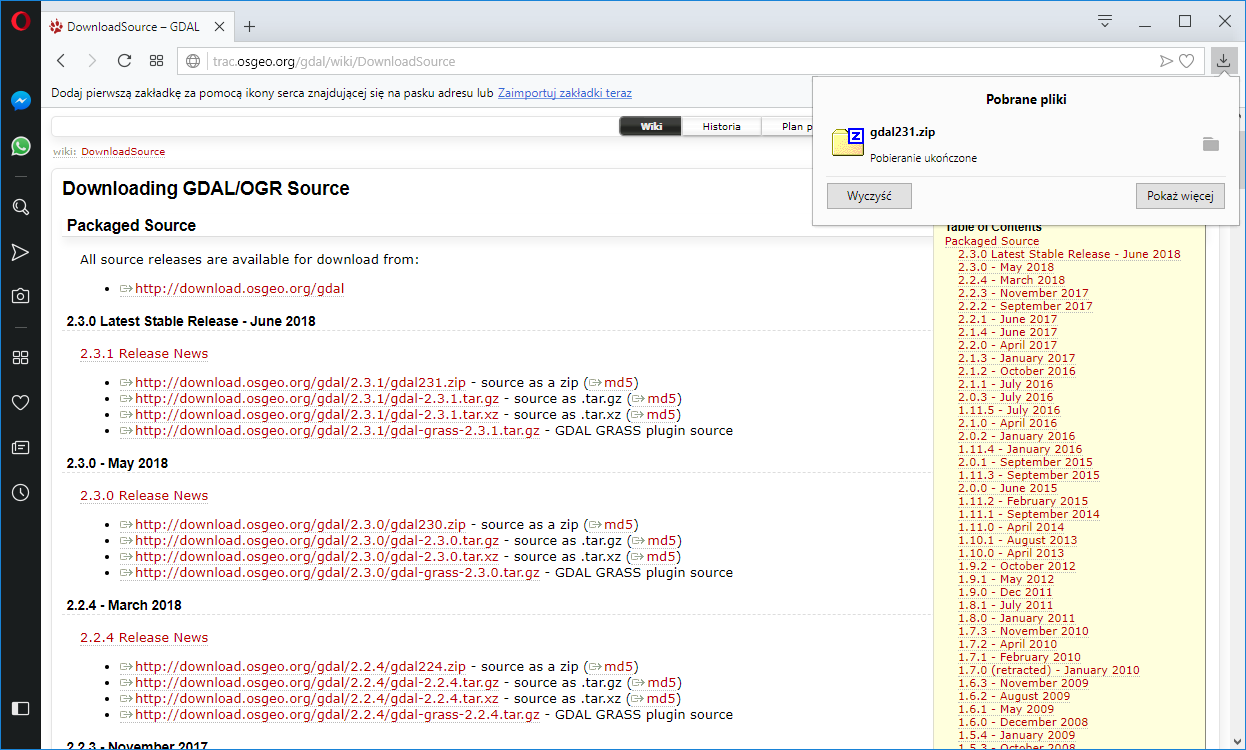
Download source package (I recommend latest stable release).
For windows it is gdal.zip
example: gdal321.zip
Step 3:
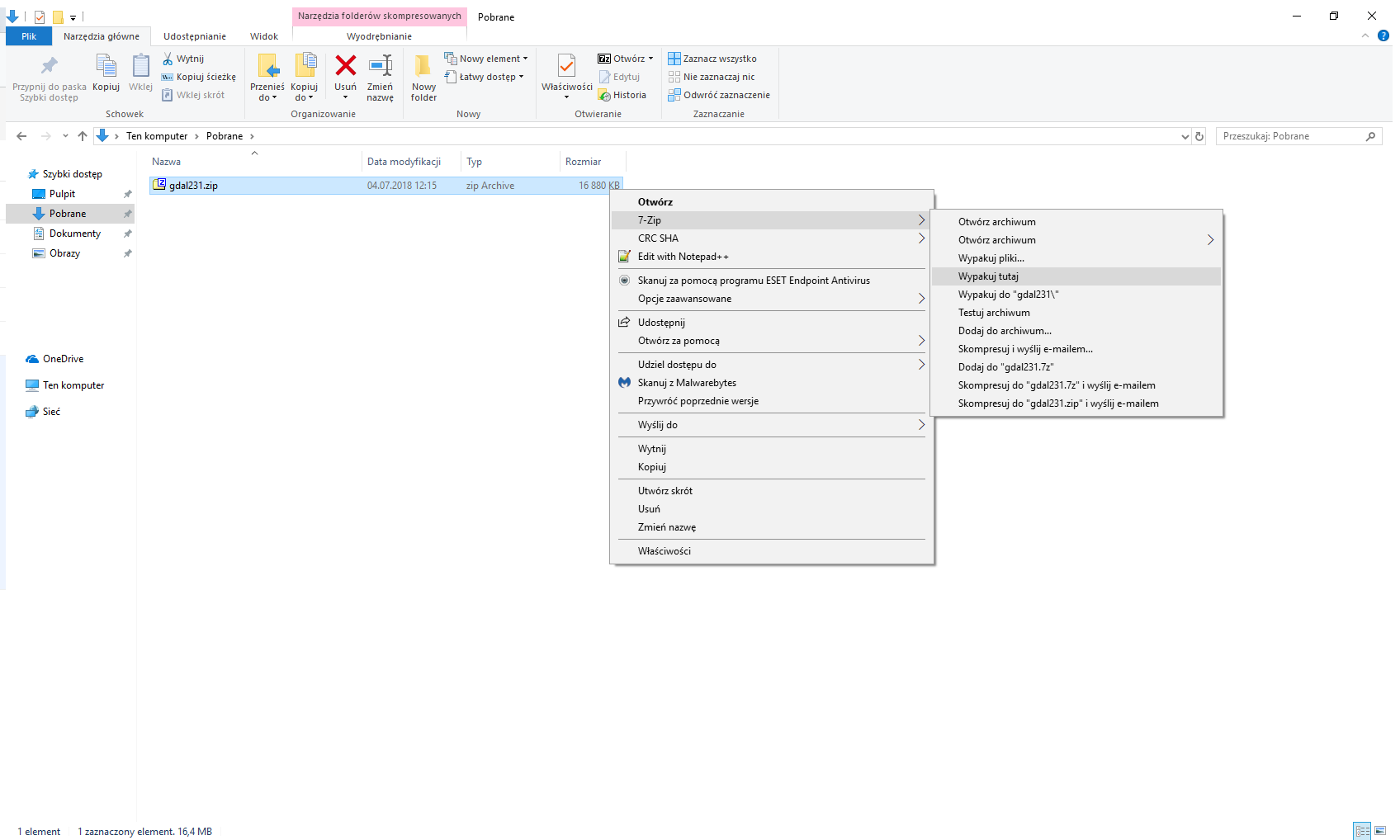
Unzip it using 7ZIP, WinRAR or another tool for unzip file.
Step 4:
Run power shell (or command line [cmd.exe]):

Step 5:
Run generate_vcxproj.bat script in Power Shell with parameters.
Instruction and description:
https://trac.osgeo.org/gdal/wiki/GeneratingVisualStudioProject

Step 6:
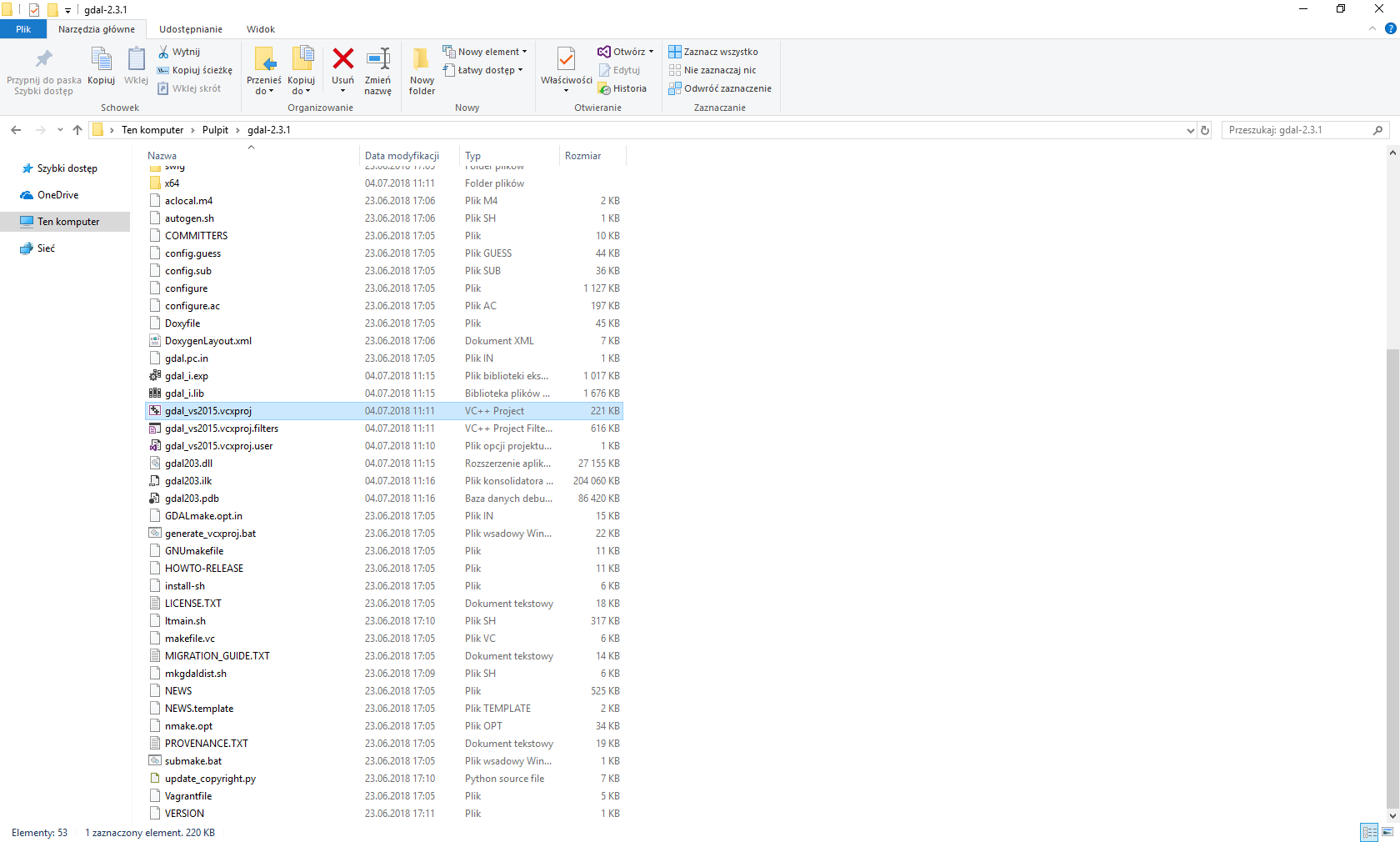
Run gdal_vsXXXX.vcxproj in visual studio
Where XXXX – version of visual studio
example: gdal_vs2015.vcxproj
Step 7:
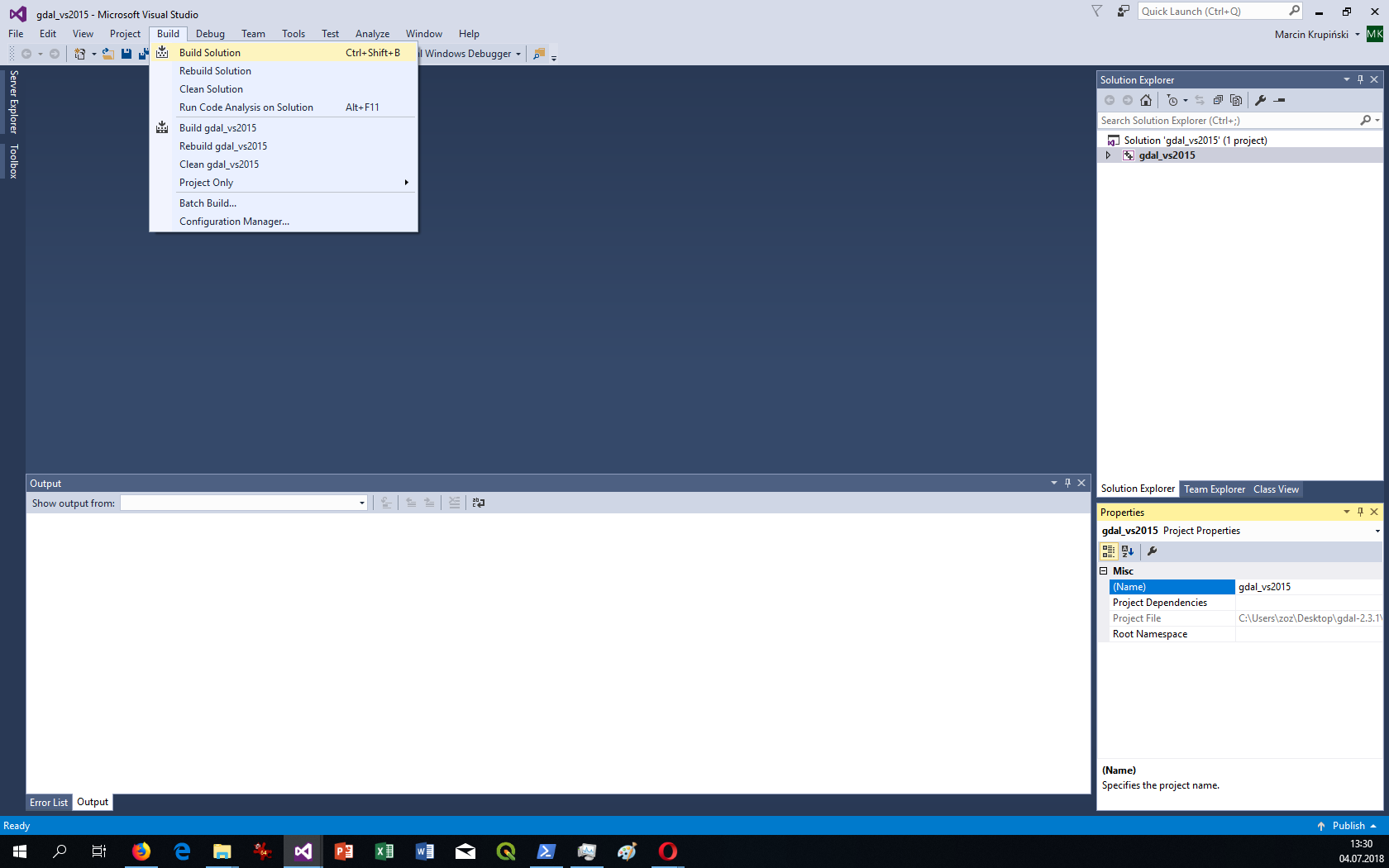
Build project in visual studio
Use Build -> Build Solutions
or use CTRL + SHIFT + B
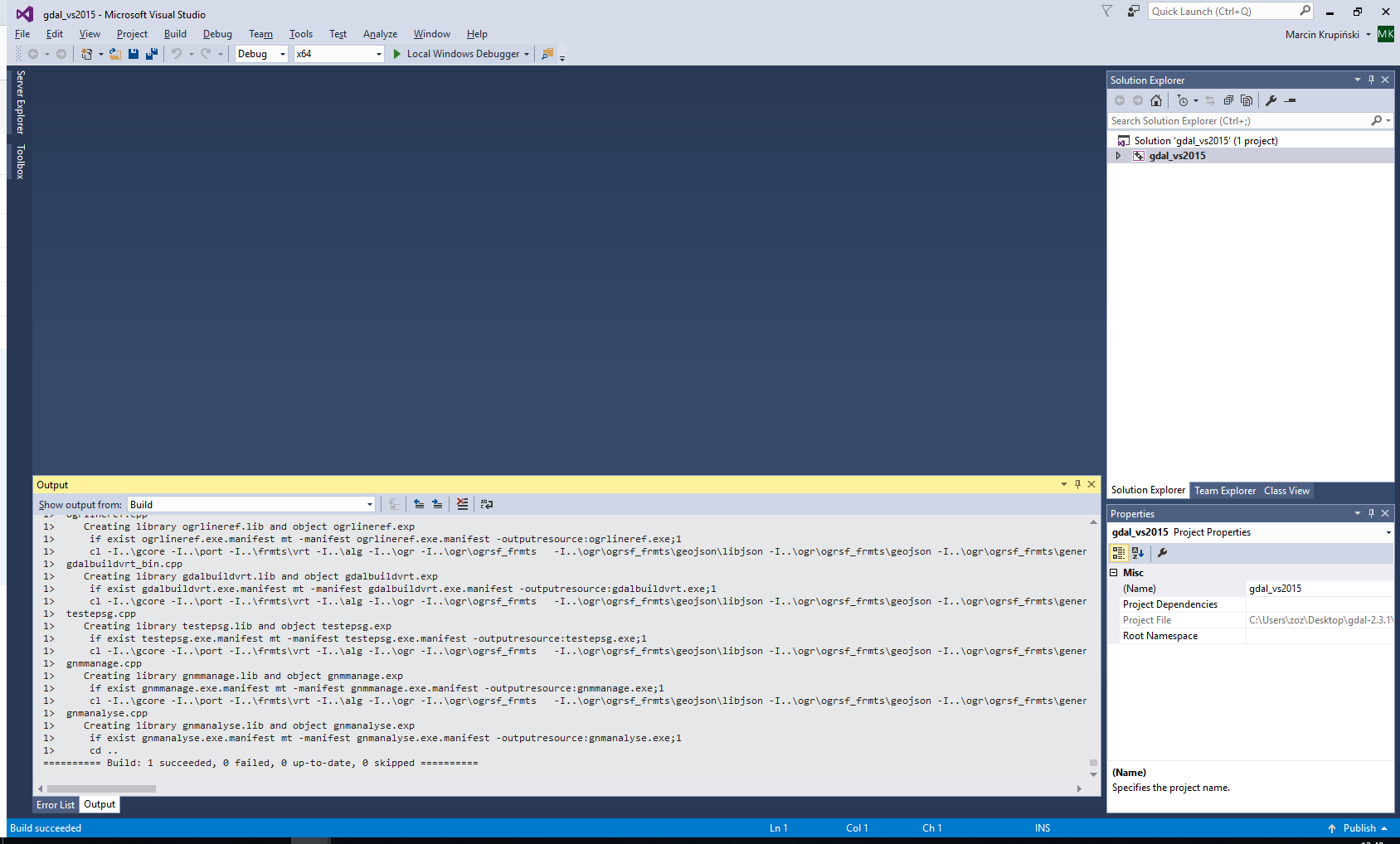
Successful compilation:
Step 8:
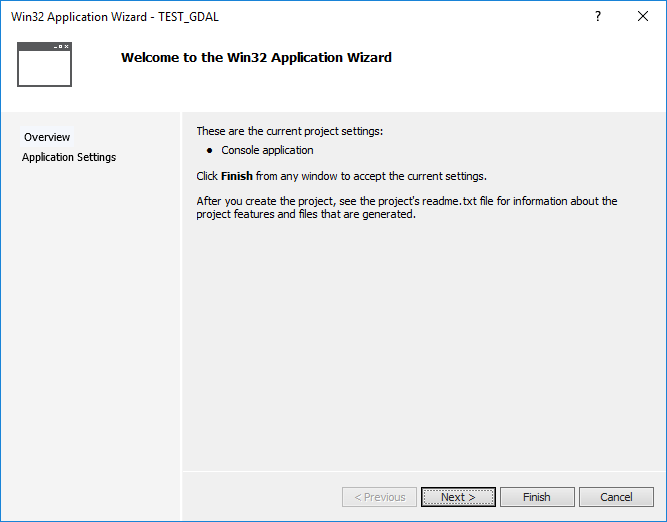
Create new Visual C++ project in Visual studio.

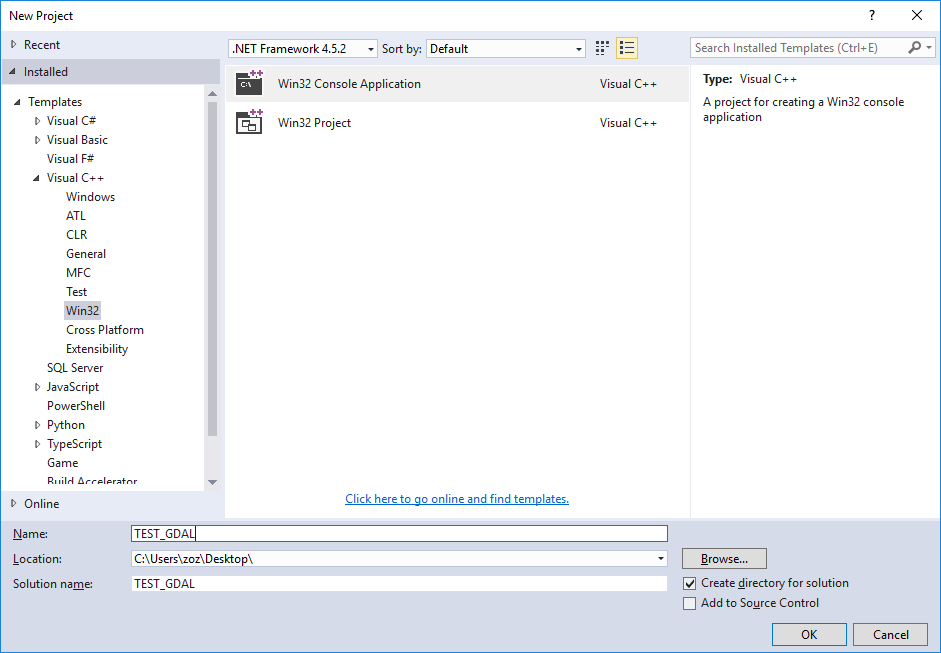
Select finish.
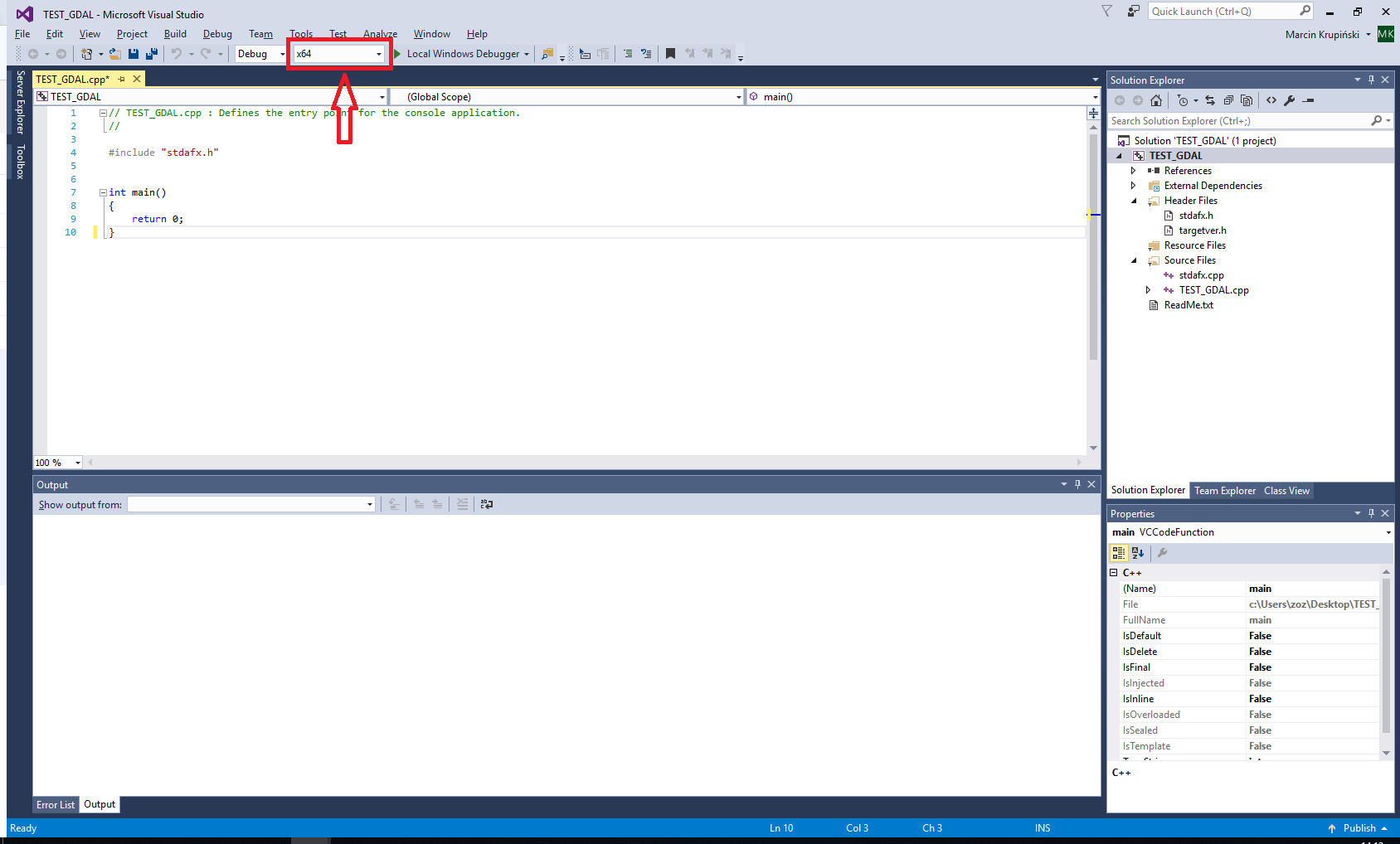
Build project for test.
If use x64 processor set project to x64.
Step 9:
Add GDAL library and other GDAL files to this project.
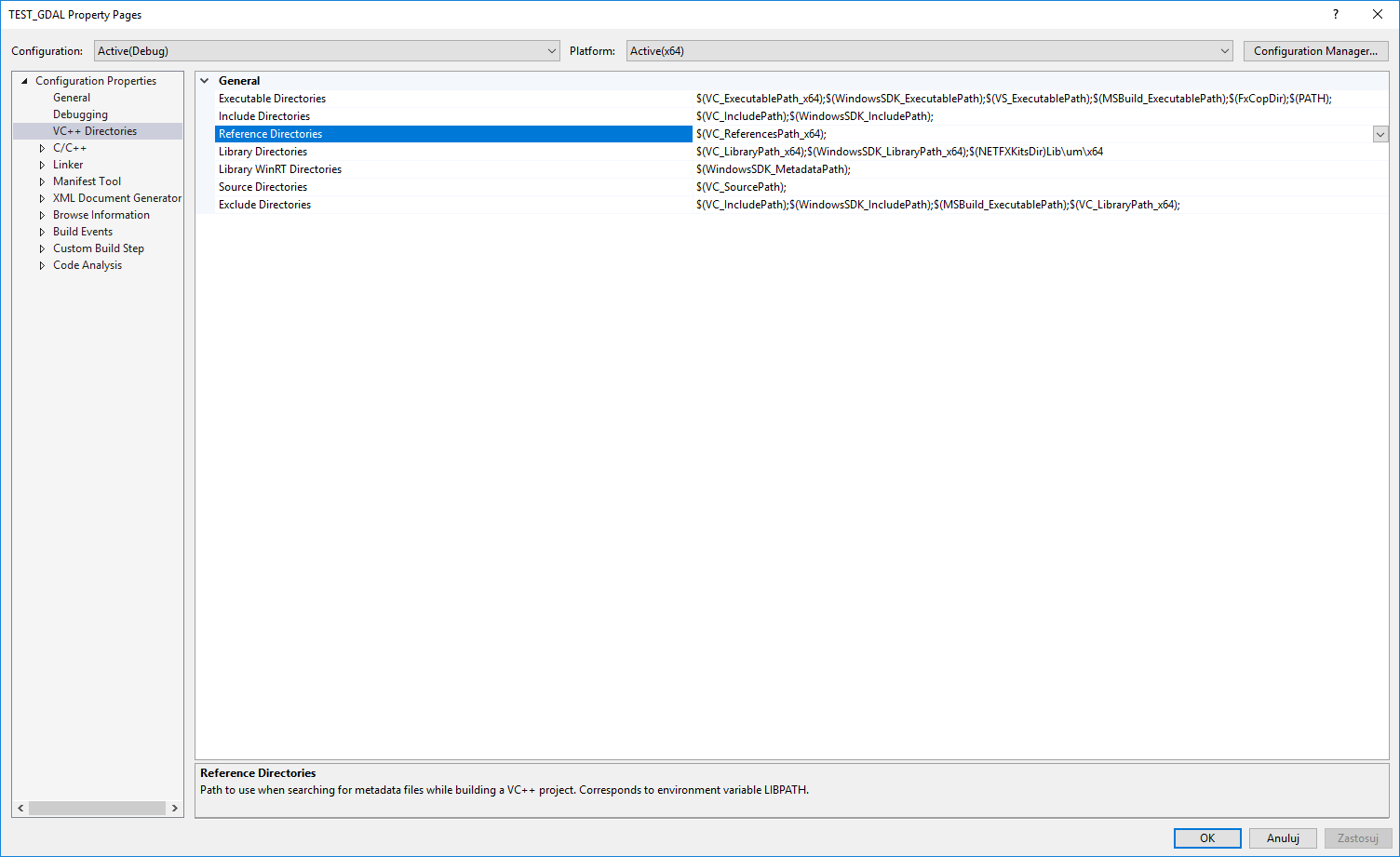
Select „properties” from project.

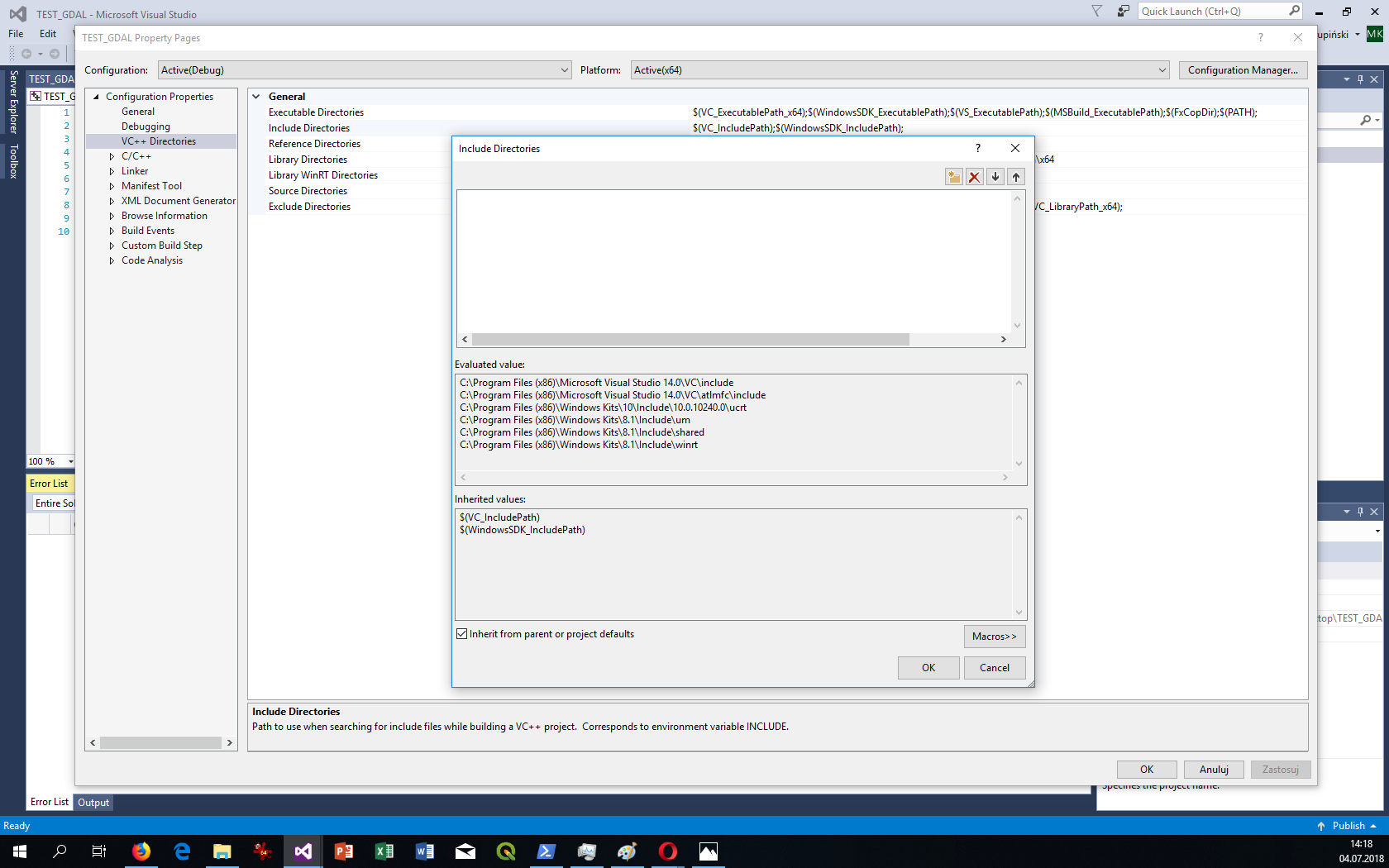
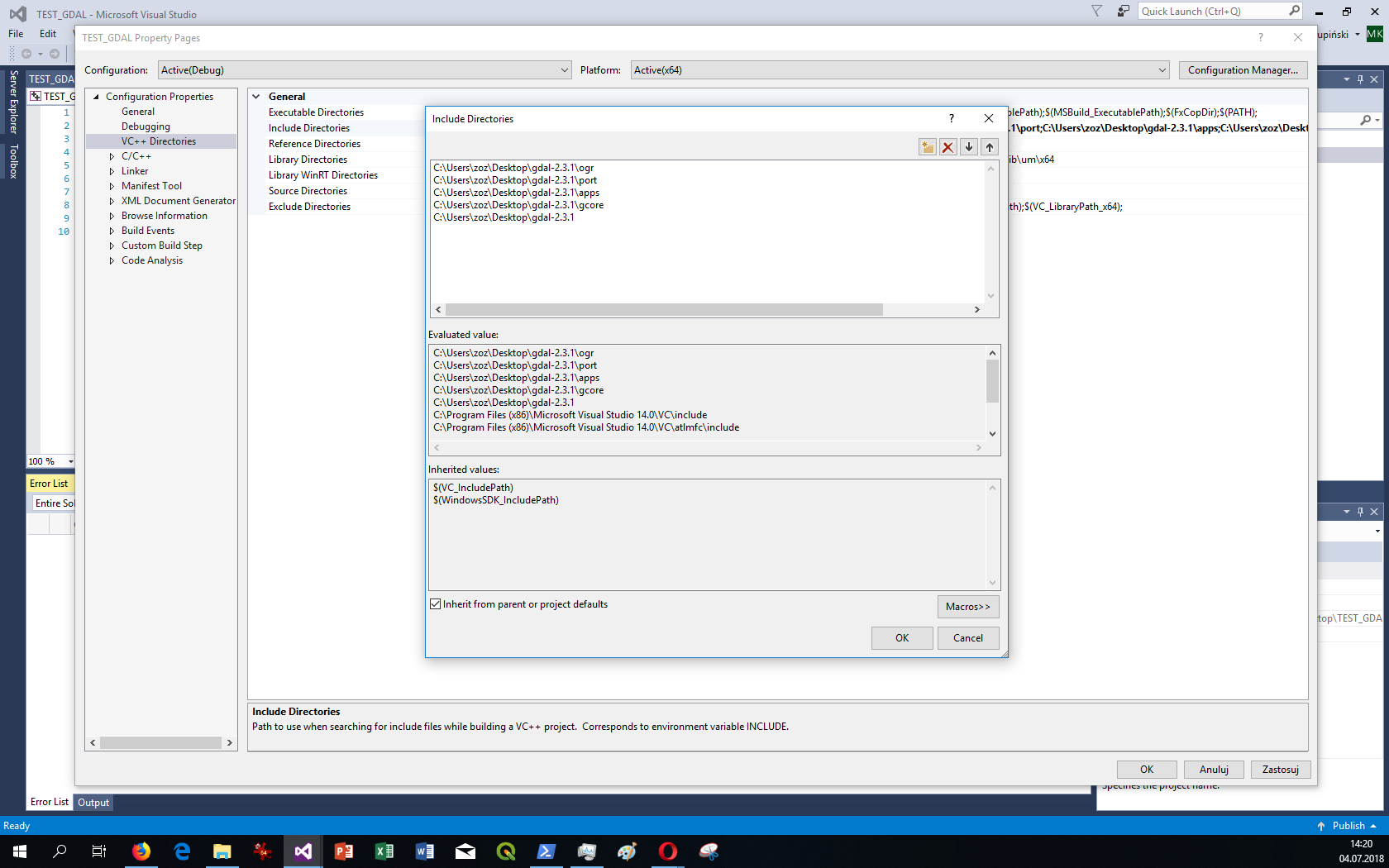
In VC++ Directories edit Include Directories:

Add directories:
C:\Users\zoz\Desktop\gdal-2.3.1
C:\Users\zoz\Desktop\gdal-2.3.1\gcore
C:\Users\zoz\Desktop\gdal-2.3.1\apps
C:\Users\zoz\Desktop\gdal-2.3.1\port
C:\Users\zoz\Desktop\gdal-2.3.1\ogr
„zoz” is username.
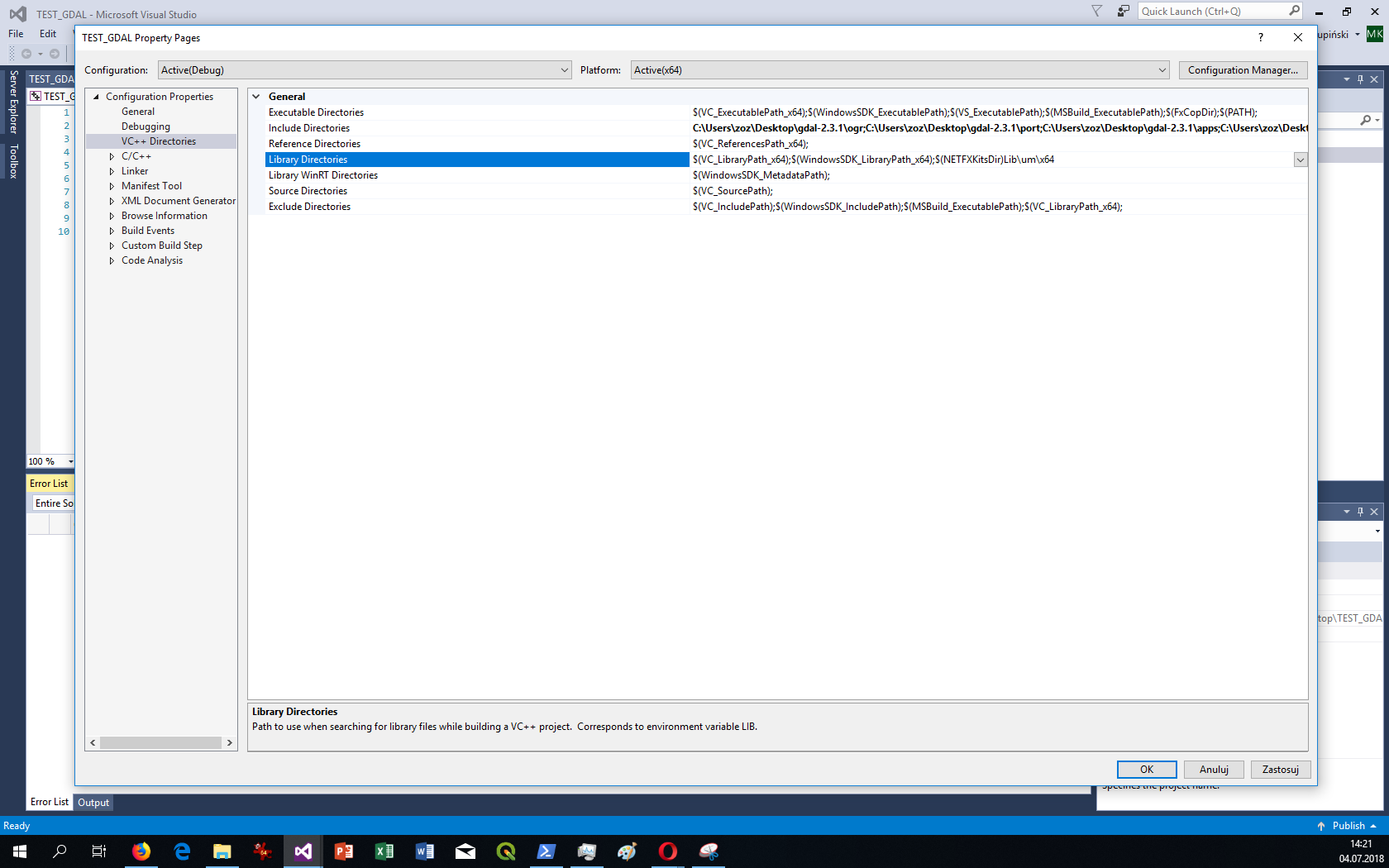
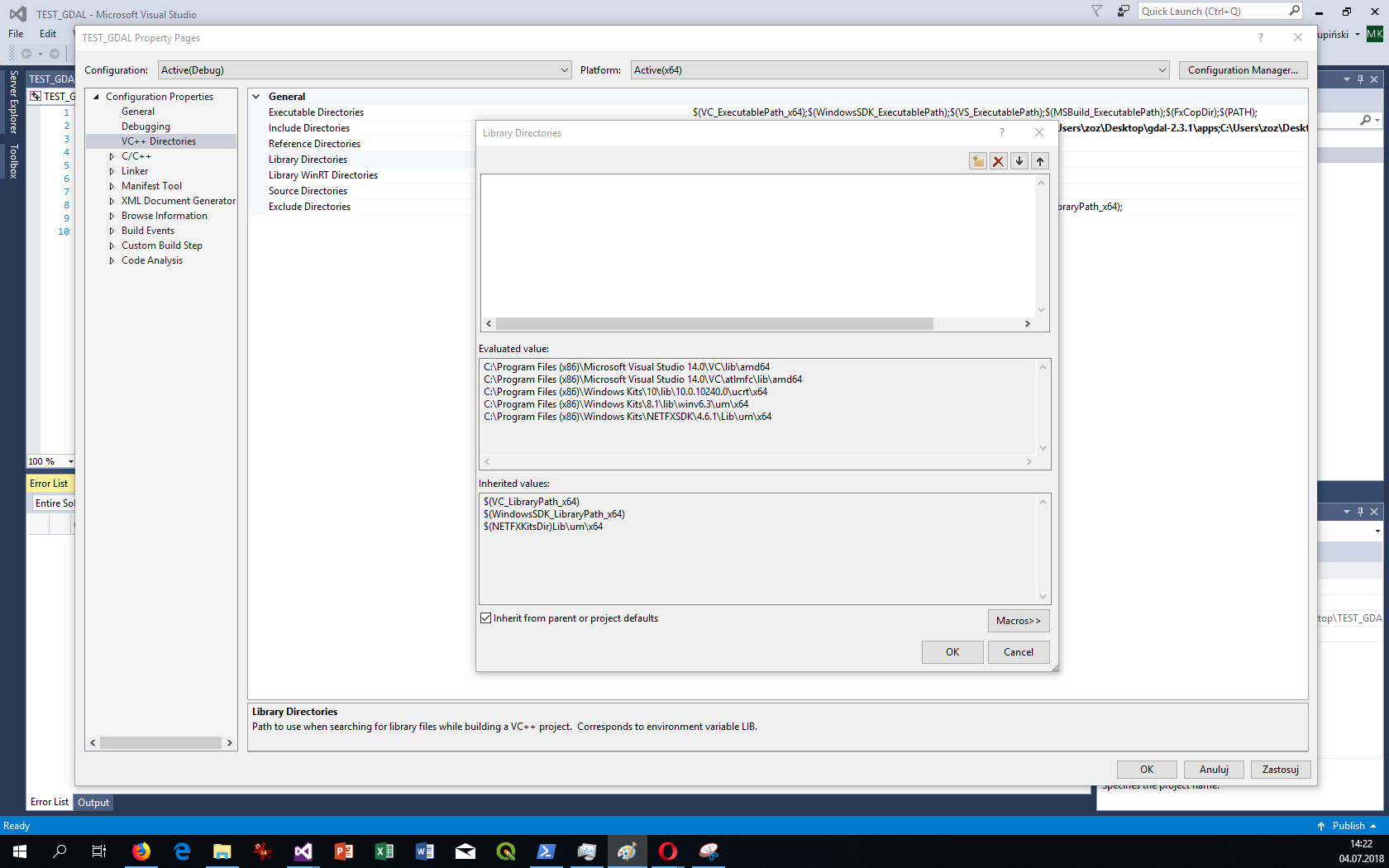
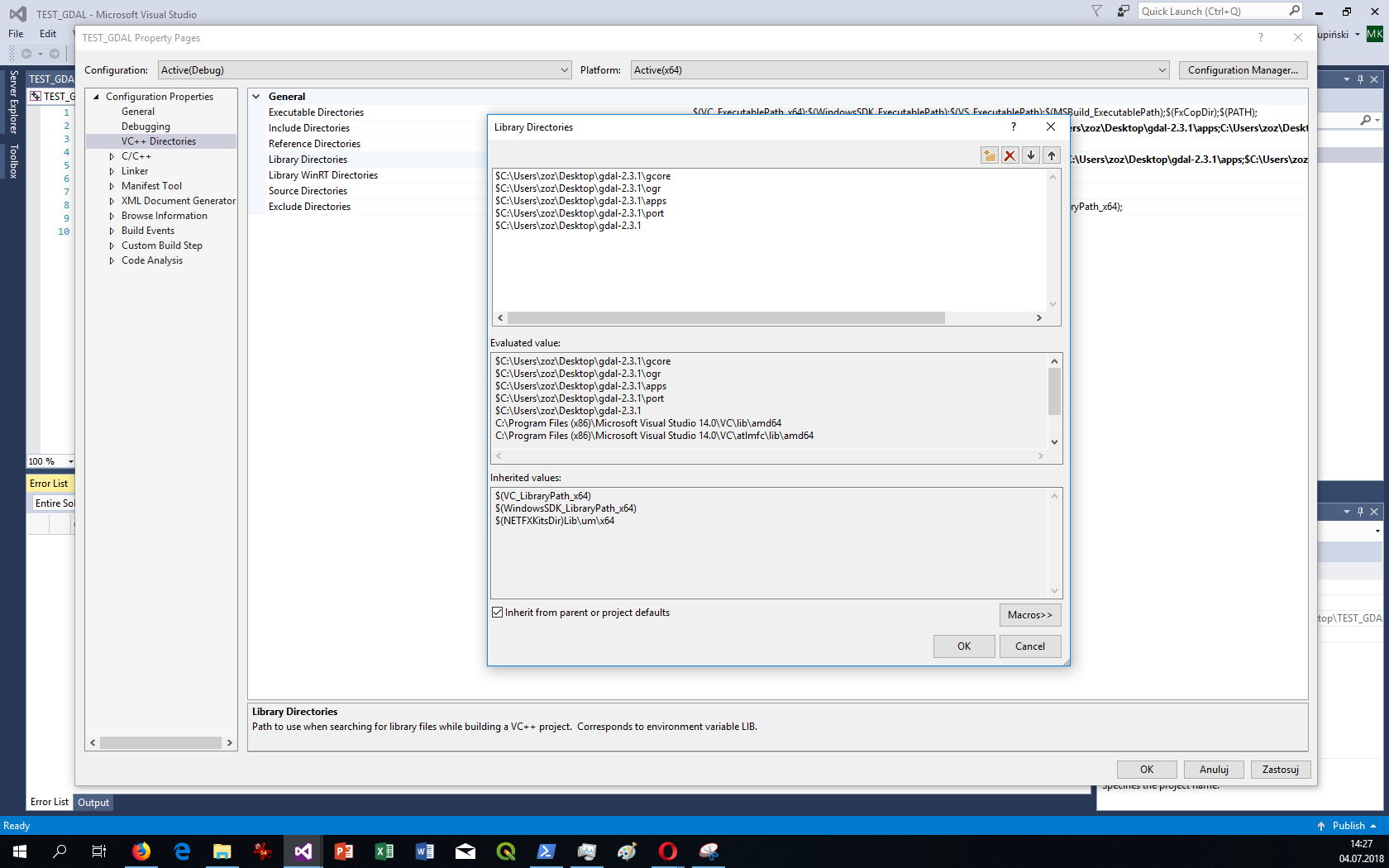
Add to Library Directories:
$C:\Users\zoz\Desktop\gdal-2.3.1
$C:\Users\zoz\Desktop\gdal-2.3.1\gcore
$C:\Users\zoz\Desktop\gdal-2.3.1\port
$C:\Users\zoz\Desktop\gdal-2.3.1\apps
$C:\Users\zoz\Desktop\gdal-2.3.1\ogr
„zoz” is username.
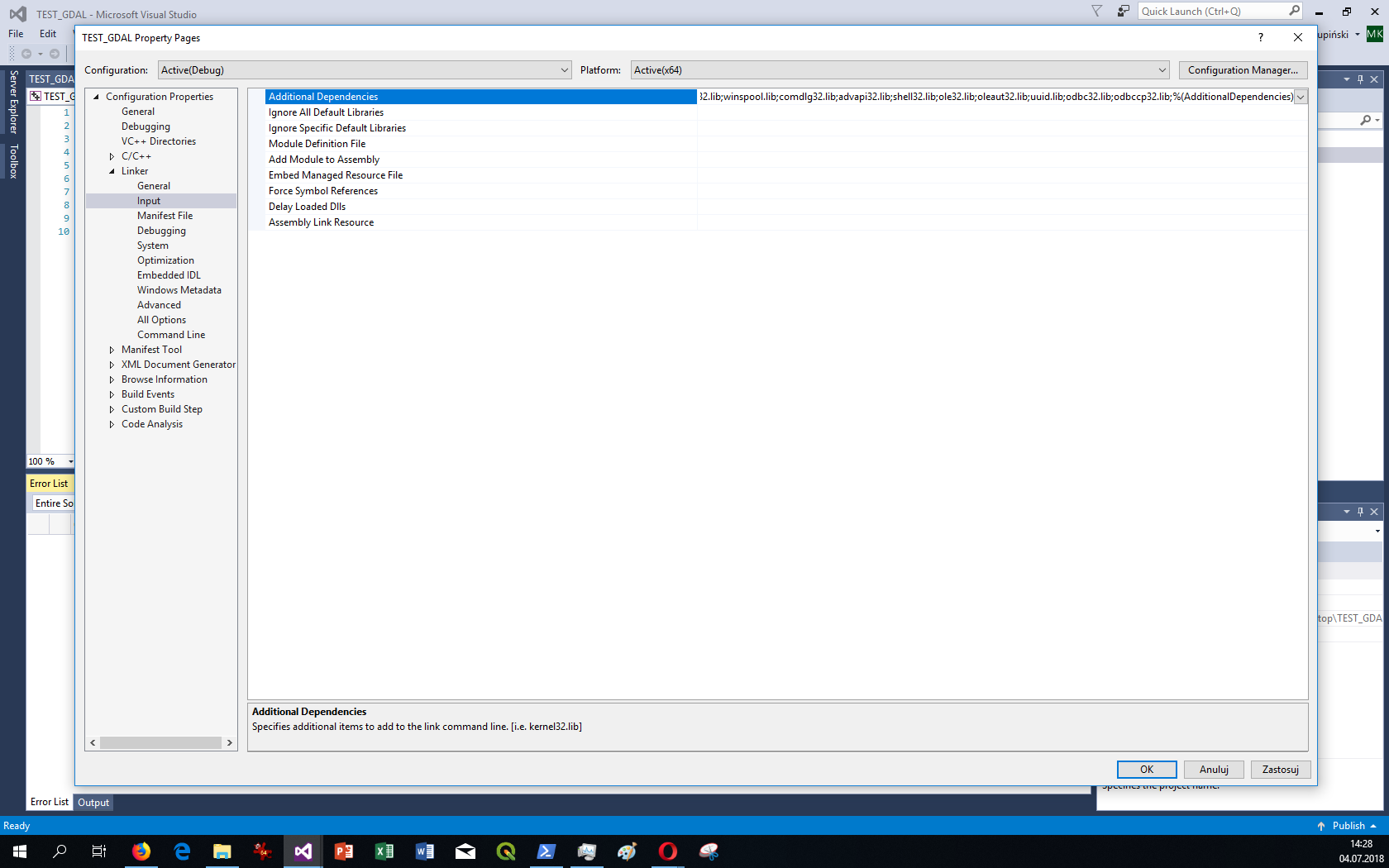
Add in Linker -> Input -> Additional Dependencies
C:\Users\zoz\Desktop\gdal-2.3.1\gdal_i.lib
Click EDIT in this selection

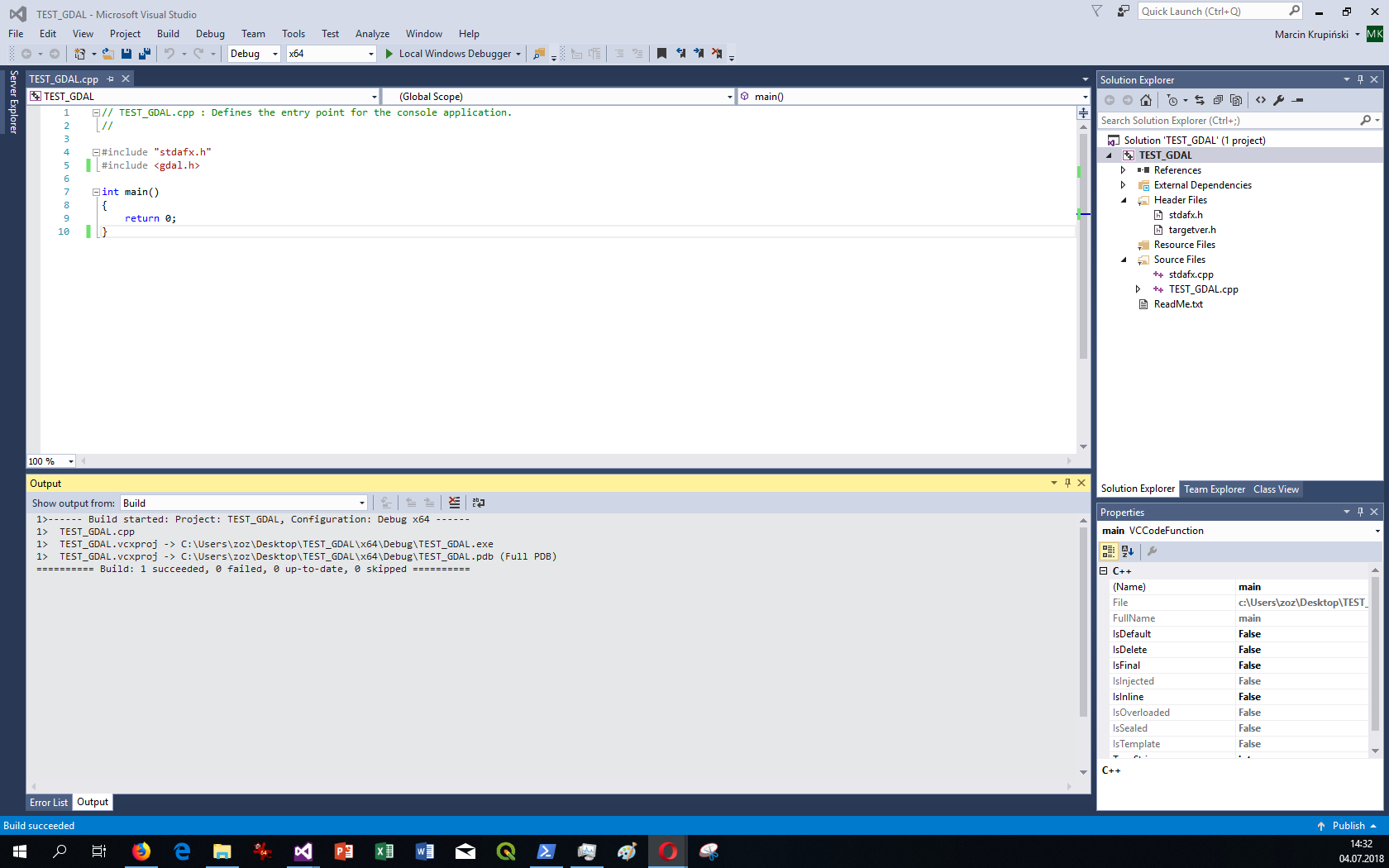
If add GDAL library is could successful build.
#include <gdal.h>
Main site of project:
http://www.gdal.org
GDAL FAQ:
http://trac.osgeo.org/gdal/wiki/FAQ
Used software:
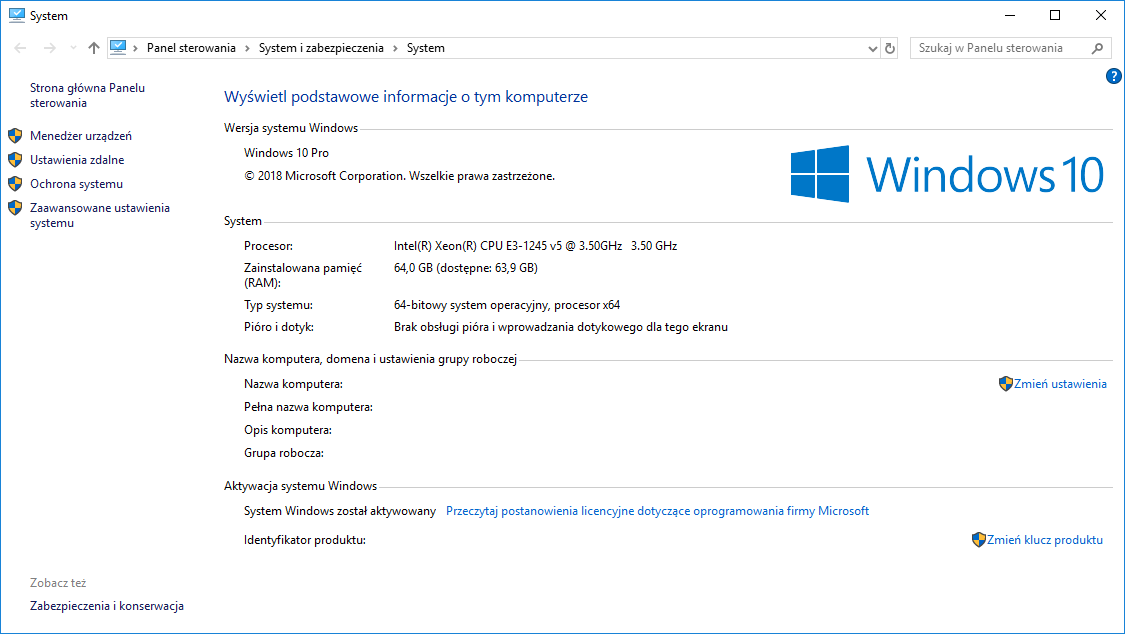
Windows 10 64-bit PRO
GDAL version: 2.3.1
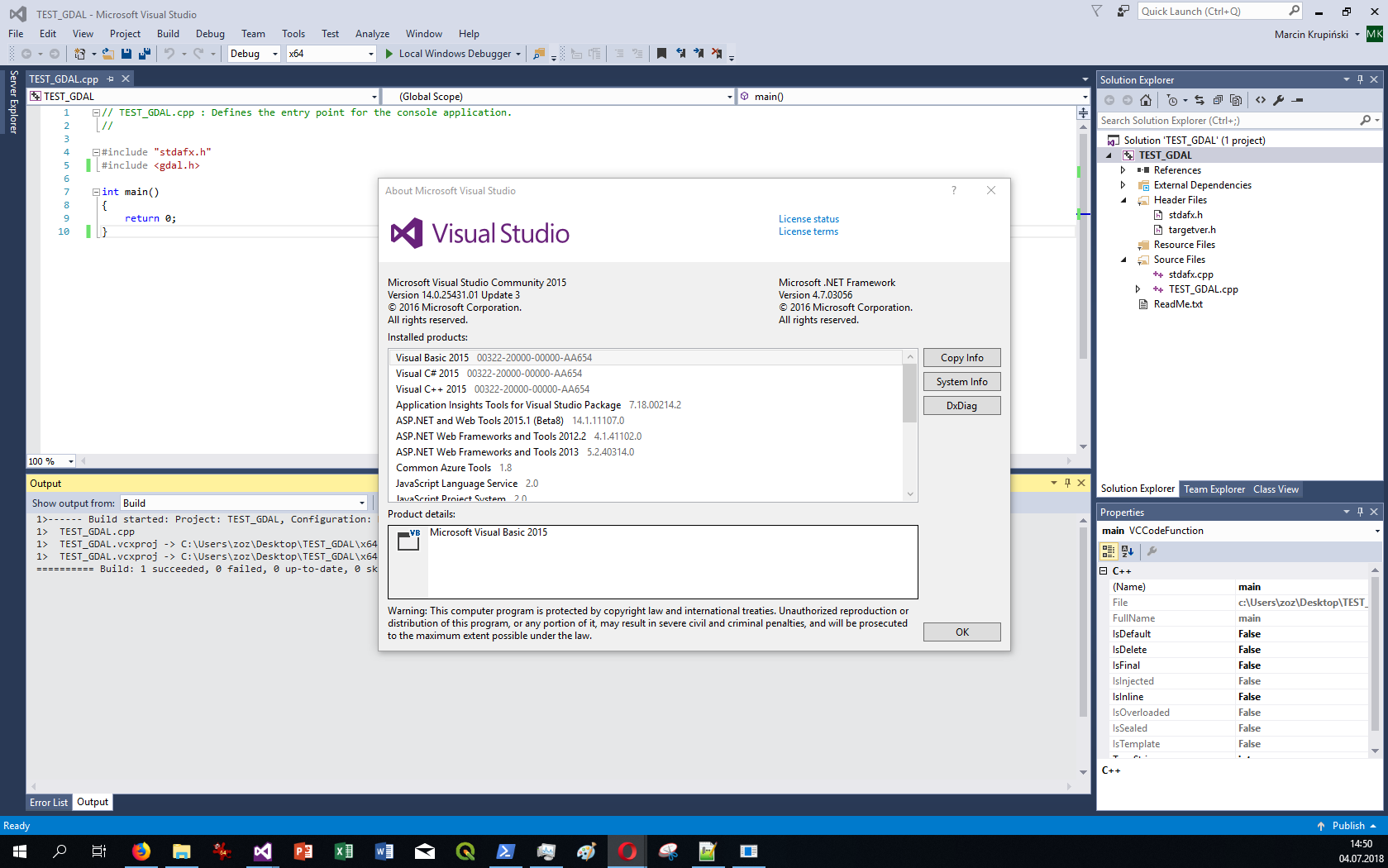
Microsoft Visual Studio 2015 version 14.0.25431.01 Update 3
Microsoft .NET Framework 4.7.03056